

A few months ago, my cousin applied for a CNIC renewal because his old card was about to expire before a bank verification process. After submitting fingerprints and documents at the NADRA office, he kept asking the same question every two days:
“Has the card been printed yet?”
Like most people, he thought the only way to check the status was by visiting the NADRA center again. But honestly, that usually wastes time, fuel, and sometimes half the day standing in queues.
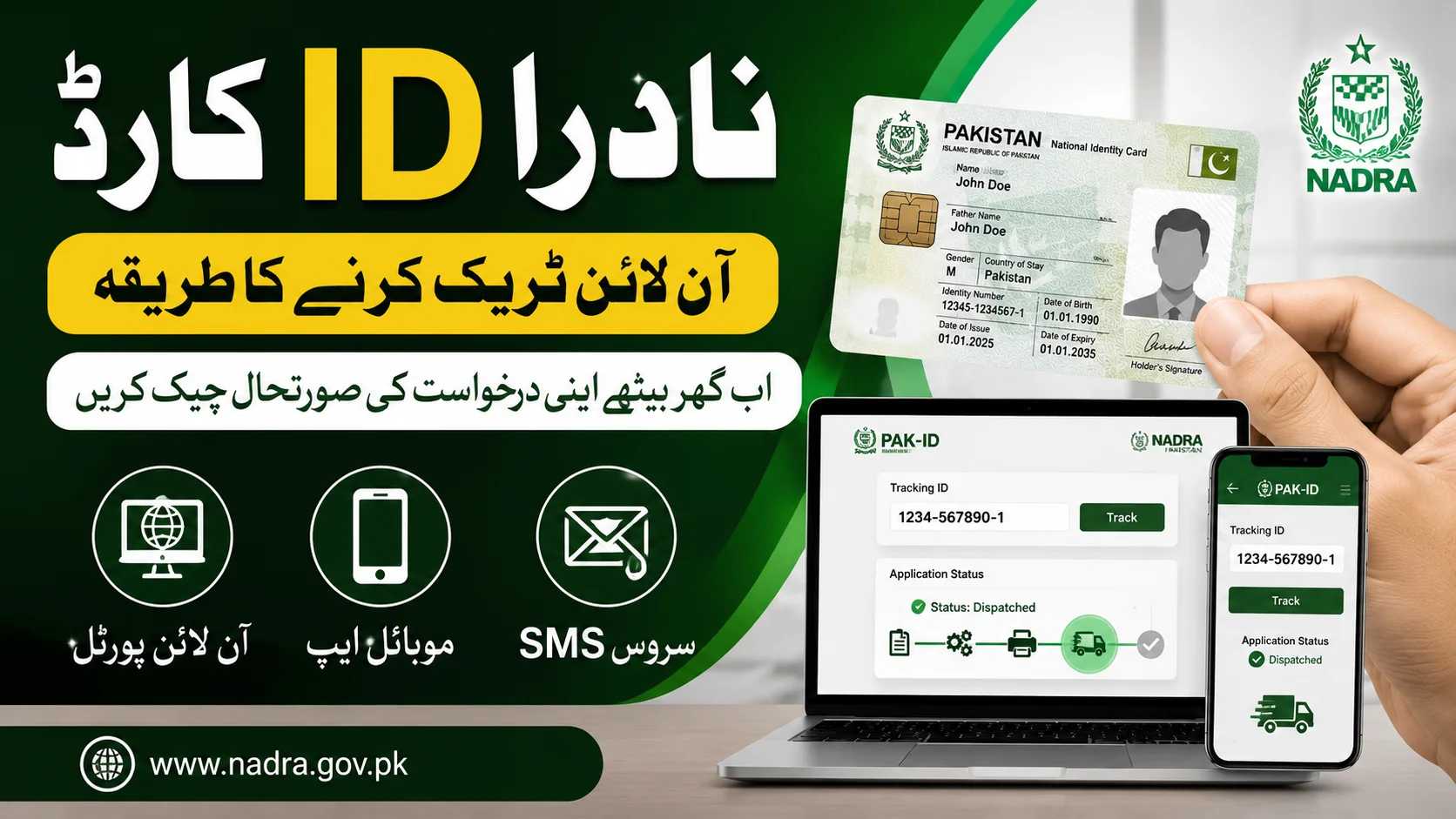
The good thing now is that NADRA has improved its online tracking system a lot in 2026. Whether you applied for a new CNIC, NICOP, Smart Card, or renewal, you can now track the entire process directly from your mobile phone.
I’ve personally used both the Pak-ID portal and SMS tracking method, and while the system isn’t always perfect, it’s still much easier than repeated office visits.
If your NADRA application is still under process and you want real updates instead of guessing, this guide will help you track it properly.
Why Tracking Your NADRA Application Actually Matters
Most people only start checking their status when the delivery becomes late. But tracking earlier can save you from bigger problems later.
For example, sometimes applications get delayed because:
- Fingerprints don’t match properly
- Documents need verification
- Address information is incomplete
- Courier delivery gets stuck
- System updates slow down processing
If you keep checking your status regularly, you can spot issues before the delay becomes serious.
Different Ways to Track NADRA ID Card in 2026
NADRA currently offers three main tracking methods.
| Method | Best For |
|---|---|
| Pak-ID Web Portal | Full detailed tracking |
| Pak-ID Mobile App | Mobile users |
| SMS Service 8400 | Quick status check |
Each method works slightly differently depending on your internet access and device.
Method 1 – Track NADRA ID Card Through Pak-ID Website
This is honestly the most detailed method because it shows proper application stages instead of short SMS replies.
Step 1 – Open the Official NADRA Portal
Visit the official Pak-ID website through your browser.
If possible, use Chrome or Edge because older browsers sometimes create login problems.
Step 2 – Login to Your Account
Use the same email and password you used during the application process.
One mistake many people make is creating a second account accidentally. That usually causes confusion because old applications may not appear there.
Step 3 – Open Existing Applications
After logging in:
- Go to dashboard
- Open “Existing Applications”
- Select your active application
You’ll normally see all submitted requests linked to your account.
Step 4 – Enter Tracking ID
Your tracking ID is usually written on:
- NADRA token slip
- Application receipt
- Confirmation email
Enter the number carefully because even one wrong digit can show “No Record Found.”
Step 5 – Check Real-Time Status
The portal may display updates like:
- Under Verification
- In Process
- Printing
- Dispatched
- Ready for Collection
This system is much better now compared to older NADRA tracking systems that updated very slowly.
Method 2 – Track NADRA ID Card Using Mobile App
I actually started using the Pak-ID app recently because it feels easier on mobile compared to the website.
The app works on:
- Android phones
- iPhones
And surprisingly, notifications are sometimes faster there.
How to Use the Pak-ID App
Download Official App
Install only the official Pak-ID application from:
- Google Play Store
- Apple App Store
Avoid third-party APK files because fake apps sometimes appear online.
Login Using Your Account
Enter:
- Registered email
- Password
You can also enable biometric login for quicker access later.
Open Tracking Section
Tap your application to check the latest status instantly.
The app is useful because you don’t need to repeatedly login through browser pages.
Method 3 – NADRA Tracking Through SMS 8400
This method still works well if internet is unavailable.
Honestly, many people in smaller towns still prefer SMS because it’s fast and simple.
SMS Tracking Steps
Open Phone Messages
Create a new SMS.
Type Tracking ID
Enter your 12-digit tracking number carefully.
Send to 8400
Within a short time, NADRA usually sends an automated reply with your current application status.
Understanding NADRA Status Messages
Some users panic after seeing unfamiliar status updates.
Here’s what they usually mean.
| Status | Meaning |
|---|---|
| Under Verification | Documents being checked |
| In Process | Internal processing started |
| Printing | Card is being printed |
| Dispatched | Sent for delivery |
| Ready for Collection | Available for pickup |
If your status remains unchanged for several days, that doesn’t always mean there’s a problem.
How Long NADRA Processing Usually Takes in 2026
Processing time depends on the service category you selected.
Normal Service
Usually around one month.
Urgent Service
Mostly completed within two weeks.
Executive Service
Often delivered within 7 to 10 working days.
But honestly, delays can still happen during holidays or system overload periods.
Common Mistakes That Delay NADRA Applications
I’ve seen people accidentally create their own delays because of simple mistakes.
Incorrect Mobile Number
If your number changes, important alerts may never reach you.
Blurry Online Documents
Many online applications get delayed because uploaded photos or fingerprints are unclear.
Ignoring Verification Calls
Sometimes NADRA representatives contact applicants for clarification. Missing these calls can slow processing.
Checking Fake Websites
Only use official NADRA platforms. Fake portals sometimes collect personal information.
What To Do If Your Status Is Not Updating
If your application hasn’t moved for many days, try these steps first.
Wait for Official Processing Time
Sometimes the system updates slowly even when printing is already happening internally.
Call NADRA Helpline
The support staff can sometimes provide more detailed updates.
Visit NADRA Center Only If Necessary
Carry:
- Original token slip
- CNIC copy
- Application receipt
Going too early before official processing time ends usually doesn’t help much.
Practical Tips From Personal Experience
Keep Screenshot of Tracking ID
People often lose token slips.
Use Executive Service Only If Urgent
It costs more but genuinely saves time in emergencies.
Track Status at Night
Oddly enough, the portal sometimes works smoother during non-peak hours.
FAQs
Can I track my NADRA card without internet?
Yes. You can use SMS service through 8400.
Where can I find my tracking ID?
It’s printed on your token slip or confirmation receipt.
Why does my status stay “Under Verification” for many days?
This usually happens during document checks or high application workload.
Can overseas Pakistanis track NICOP applications online?
Yes. The same Pak-ID system works for NICOP tracking.
Does dispatched mean delivered?
No. It usually means the card has been sent to courier or NADRA center.
What happens if I lose my tracking slip?
You may still access details through your Pak-ID account.
Final Thoughts
Tracking NADRA ID cards in 2026 has become much easier compared to the old days when people had no option except repeated office visits. The online portal, mobile app, and SMS tracking system now give applicants much better visibility into their application progress.
From personal experience, the biggest thing is to keep your tracking ID safe and use only official NADRA platforms. Most delays are temporary, and checking your status regularly helps you avoid unnecessary stress later.